
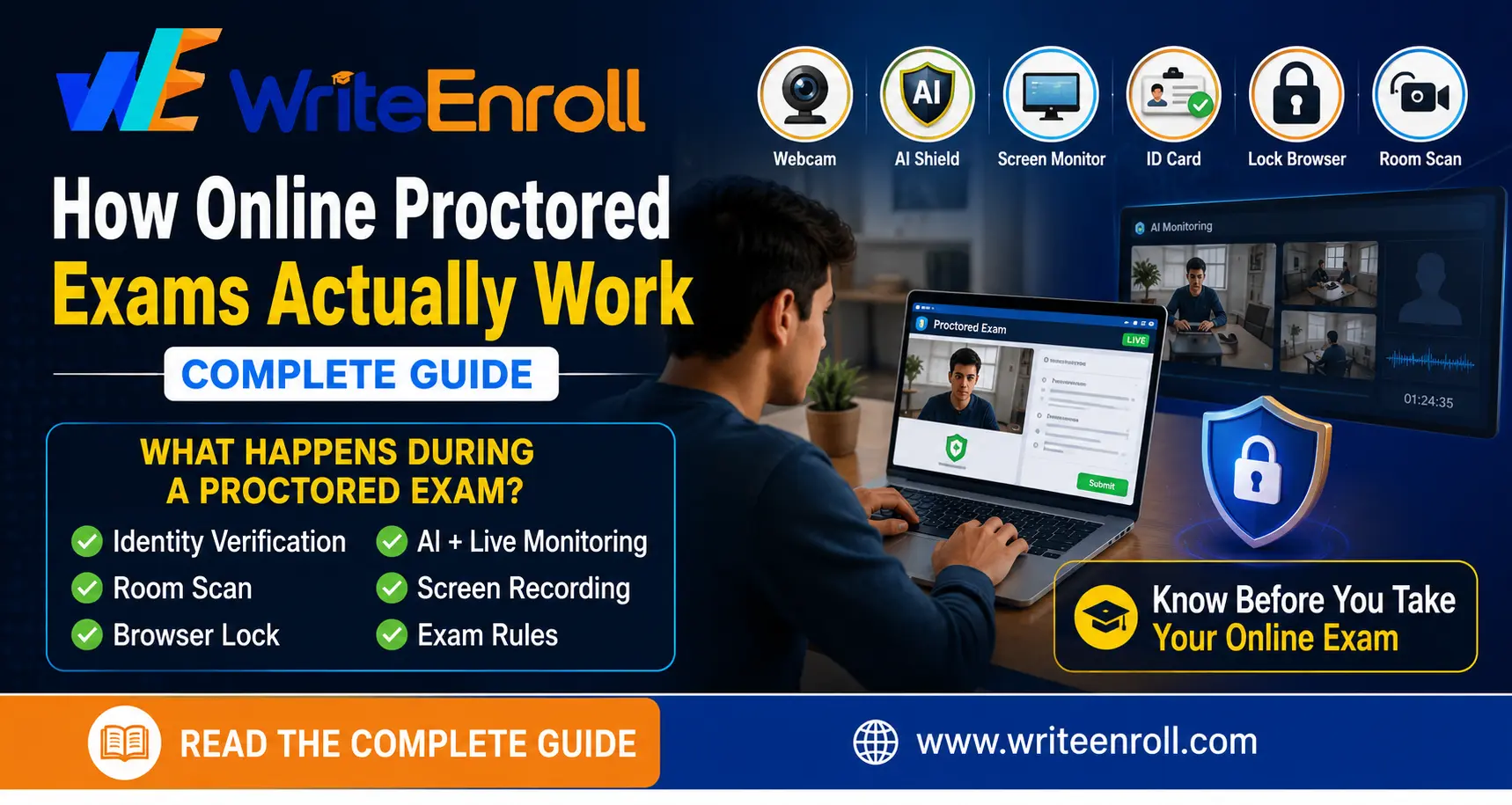
🔑 Key Takeaway:Online proctored exams use AI-based software (sometimes combined with human review) to verify your identity and monitor your webcam, screen, and surroundings during the exam, flagging unusual behaviour for review rather than accusing y
🔑 Key Takeaway:
Online proctored exams use AI-based software (sometimes combined with human review) to verify your identity and monitor your webcam, screen, and surroundings during the exam, flagging unusual behaviour for review rather than accusing you outright. Understanding what's actually being monitored — and preparing your environment accordingly — removes most of the anxiety around this format for first-time online degree students.
For students used to writing exams at a physical centre, the idea of an AI system watching you through your own webcam can feel unsettling the first time. This guide demystifies exactly what online proctoring monitors, how it works technically, and what you can do to walk in prepared rather than anxious.
Online proctoring is technology-based exam supervision that replaces a physical invigilator with software (and sometimes a remote human reviewer) monitoring you through your device's webcam, microphone, and screen activity during the exam. Its purpose is identical to a physical invigilator's — confirming the right person is taking the exam and that exam rules are being followed — just delivered through your own computer rather than an exam hall.
Before your exam begins, most systems require identity confirmation — typically a live photo capture matched against your submitted ID or admission photograph, sometimes combined with basic face-mapping checks to confirm the same person starts and finishes the exam. This step usually takes just a couple of minutes and happens automatically through the exam portal.
A common misconception is that AI proctoring software automatically fails or accuses you the moment it detects unusual activity. In practice, most systems flag suspicious moments (for example, looking away from the screen repeatedly, or a noise in the background) for later human review rather than making an automatic determination — a single instance of looking away to think is a completely normal exam behaviour and virtually all systems are designed with this in mind, reviewing genuinely repeated or clear-cut patterns rather than isolated moments.
Most university exam portals provide a support contact or helpline specifically for technical issues during the exam window — note this contact information before your exam starts, not after a problem occurs. If your internet drops or the system freezes, document the time and nature of the issue immediately (a screenshot if possible) and contact support as soon as connectivity is restored, since most universities have a documented process for handling genuine technical disruptions rather than penalizing students for issues outside their control.
Q: Can AI proctoring software fail me just for looking away from the screen once?
A: No, isolated moments of looking away are normal exam behaviour that virtually all systems are designed to tolerate — flags are typically reviewed for clear, repeated patterns, not single instances.
Q: Is a live human watching me, or just an AI?
A: This varies by system — some use AI-only monitoring with flagged moments reviewed later, others combine real-time AI monitoring with human proctors reviewing flagged sessions before final certification.
Q: What happens to the recording after my exam?
A: Recordings are typically retained by the university or its exam proctoring vendor for a defined period for review and audit purposes, following the specific data retention policy of that provider.
Q: Can I use a calculator or reference material during a proctored exam?
A: This depends entirely on your specific exam's stated rules — some permit specific tools, others don't. Confirm this directly with your university before the exam rather than assuming.
Q: What if my internet disconnects during the exam?
A: Contact your university's exam support immediately once connectivity is restored — most universities have a documented process for handling genuine technical disruptions, though you should document the issue (time, nature of the problem) as it happens.
Online proctored exams are designed to replicate fair exam supervision remotely, not to catch students out for normal, incidental behaviour. A little preparation — testing your setup in advance, arranging a quiet space, and knowing your support contact — removes most of the first-time anxiety around this format.
Suggested Internal Links:
/admission/ | /courses/